

Developer Tool for Mac
Discover how the Developer Tool for Mac simplifies assets prep. Read our review of this utility that streamlines icon slicing and asset generation.
The Asset Slicing Bottleneck in Modern App Development
Picture this scenario: you have spent weeks perfecting the code for your latest cross-platform application. The logic is flawless, the interface is polished, and you are finally ready to prepare your release. Suddenly, you face the tedious chore of exporting, resizing, and slicing your app icons for multiple platforms, each with its own rigid specification. This is where the Developer Tool for Mac asset slicer steps in to transform a frustrating manual process into a seamless, two-click workflow.
Designed specifically for macOS users, this lightweight utility targets one of the most repetitive aspects of a developer's daily routine, allowing you to focus your energy on writing great code rather than fighting with graphic design software exports.
Key Features of the Developer Tool for Mac Asset Slicer
This utility is built around speed and simplicity, offering a focused set of features that address the core pain points of app store asset preparation:
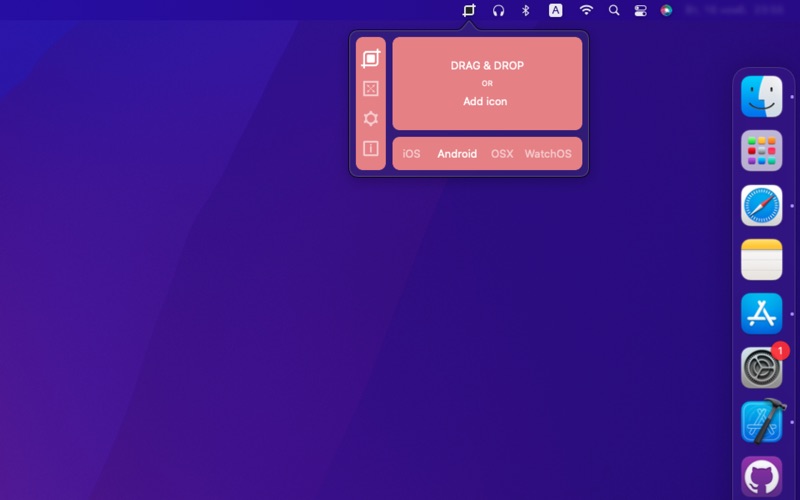
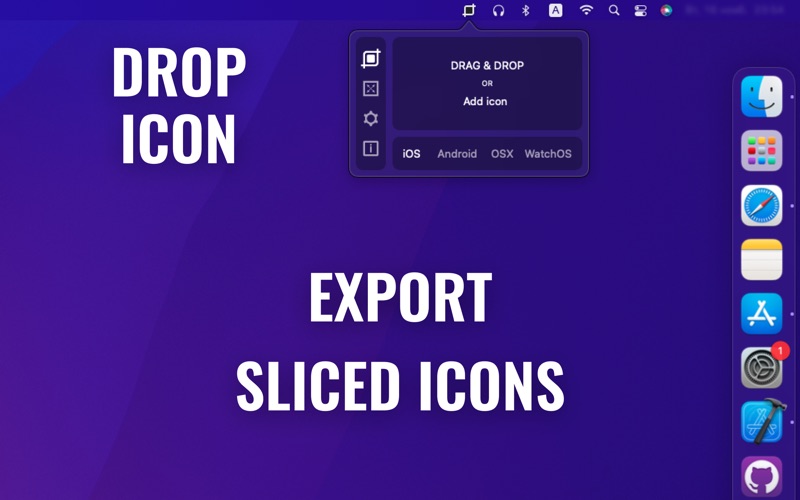
- Multi-Platform Target Exporting: With a single drag-and-drop action, you can generate perfectly sized icon slices for iOS, Android, macOS, and watchOS.
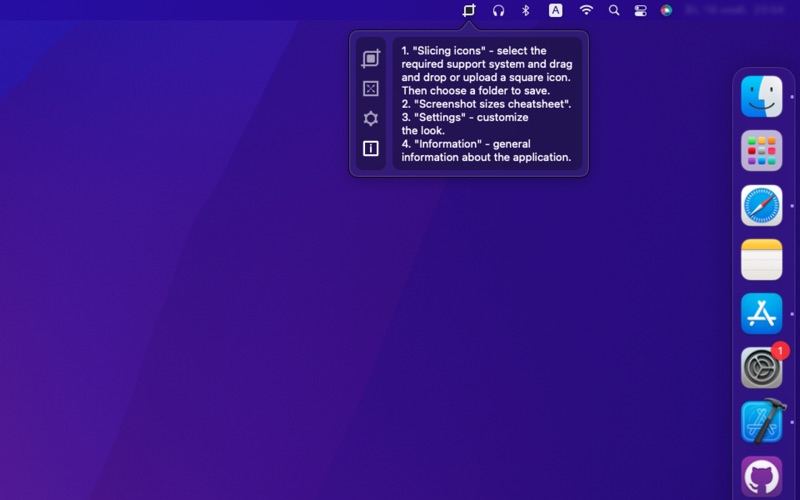
- Two-Click Slicing Workflow: The interface is stripped of unnecessary complexity. Drop your master image in, click to export, and your assets are ready for deployment.
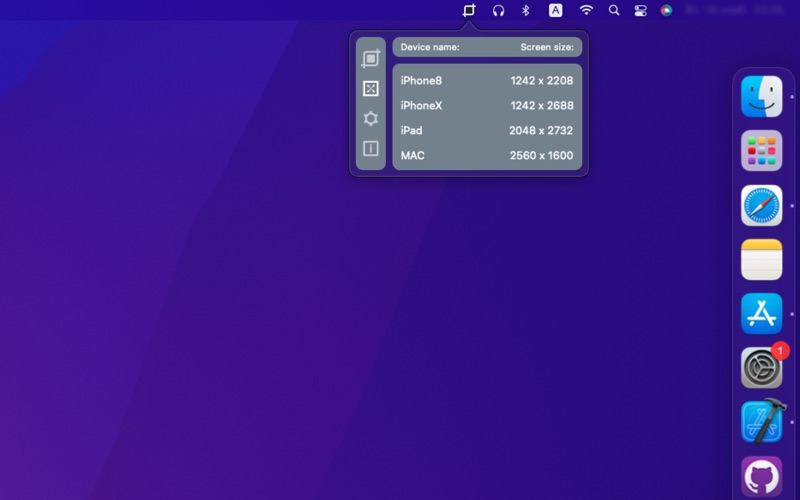
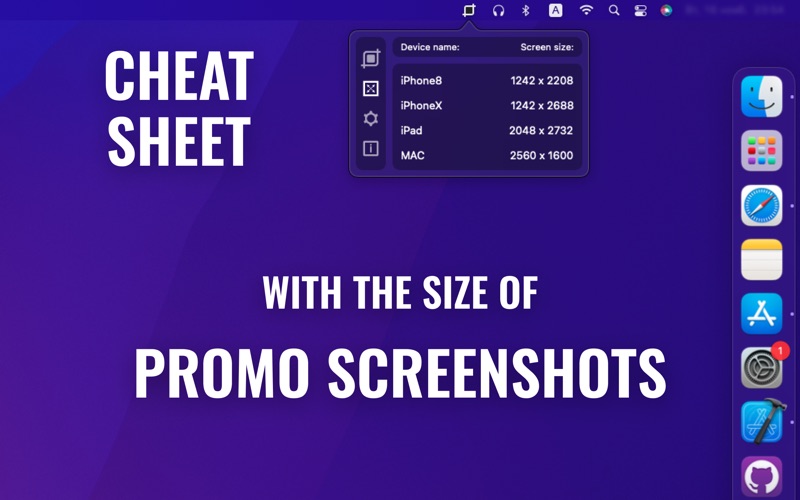
- Integrated App Store Connect Cheat Sheet: Stop searching the web for up-to-date screenshot dimensions. The app includes a built-in reference guide for App Store Connect screenshot requirements, keeping essential specifications right at your fingertips.
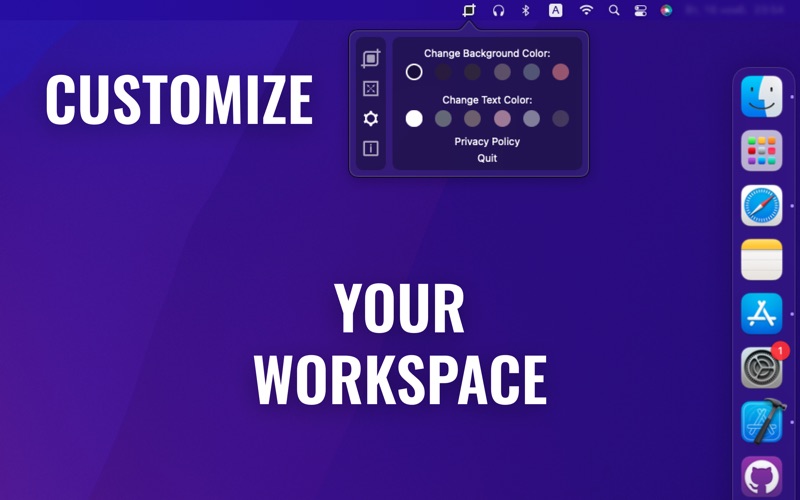
- Tailored Interface Options: The software features design customization settings, allowing you to adjust the visual environment to match your preferred workspace aesthetics.
Who Benefits Most from This Utility?
The Developer Tool for Mac asset slicer is an ideal companion for independent developers, mobile software engineers, and UI/UX designers who frequently publish to Apple and Google ecosystems. Instead of maintaining complex Photoshop actions or purchasing heavy design suites, creators can rely on this dedicated utility to handle asset preparation quickly and reliably.
Streamline Your Deployment Workflow Today
If you are looking to eliminate the friction of manual asset resizing from your release cycle, this utility offers a highly focused, elegant solution. It respects your time by turning a multi-step chore into an instant automated task. To integrate this utility into your development pipeline, visit the official Mac App Store to explore its capabilities and add it to your toolkit.