
Faugus Launcher
Discover how Faugus Launcher simplifies running Windows and Linux games on your system. Read our full review of this lightweight, UMU-powered tool.
Streamline Your Linux Gaming with Faugus Launcher
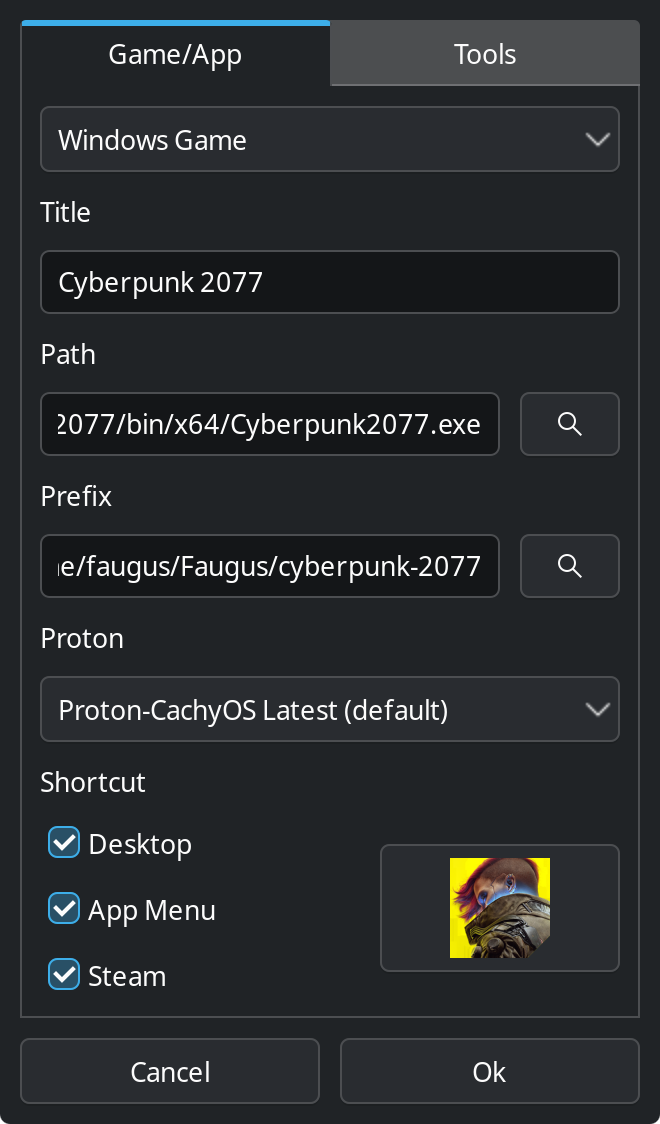
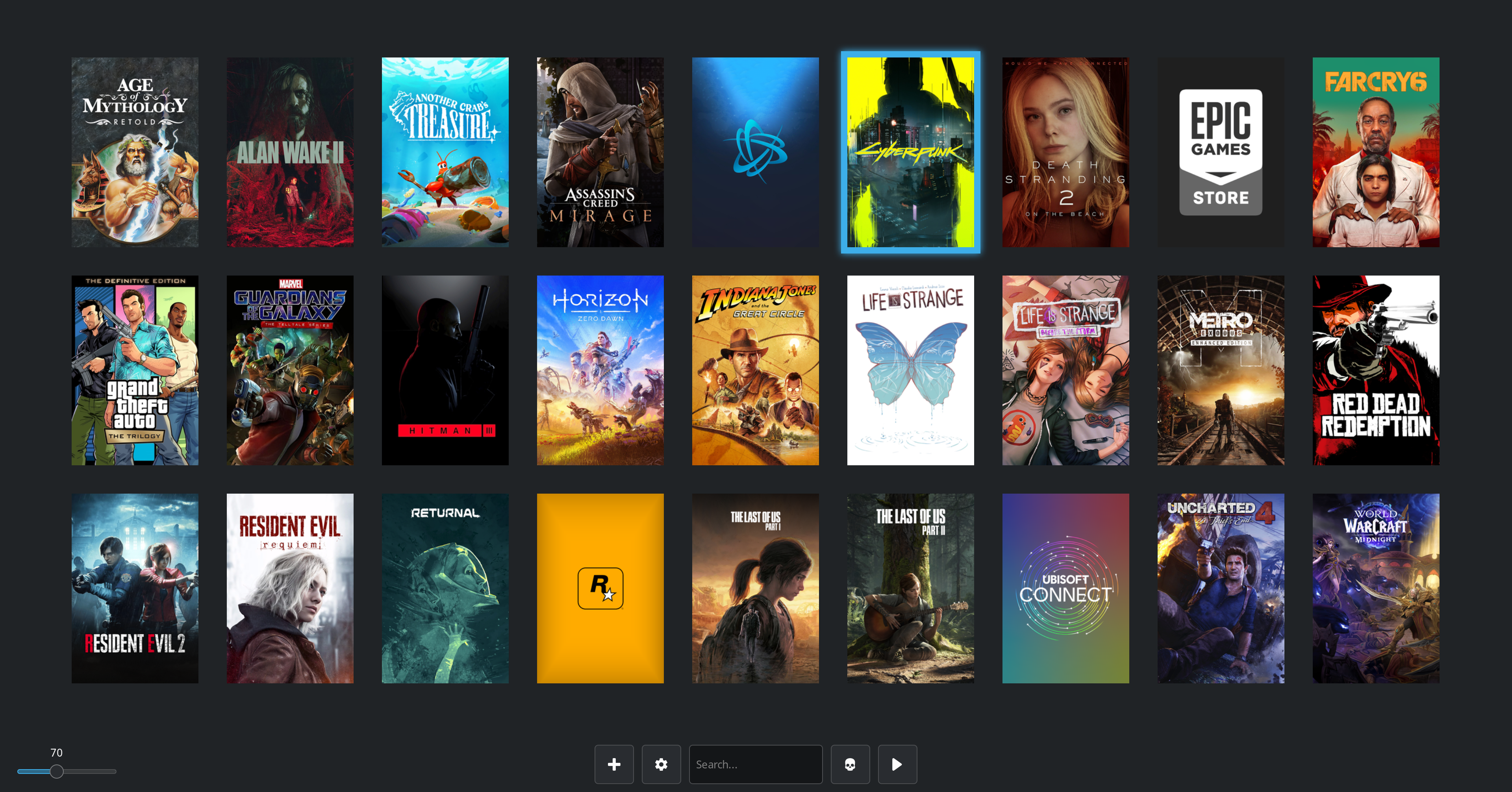
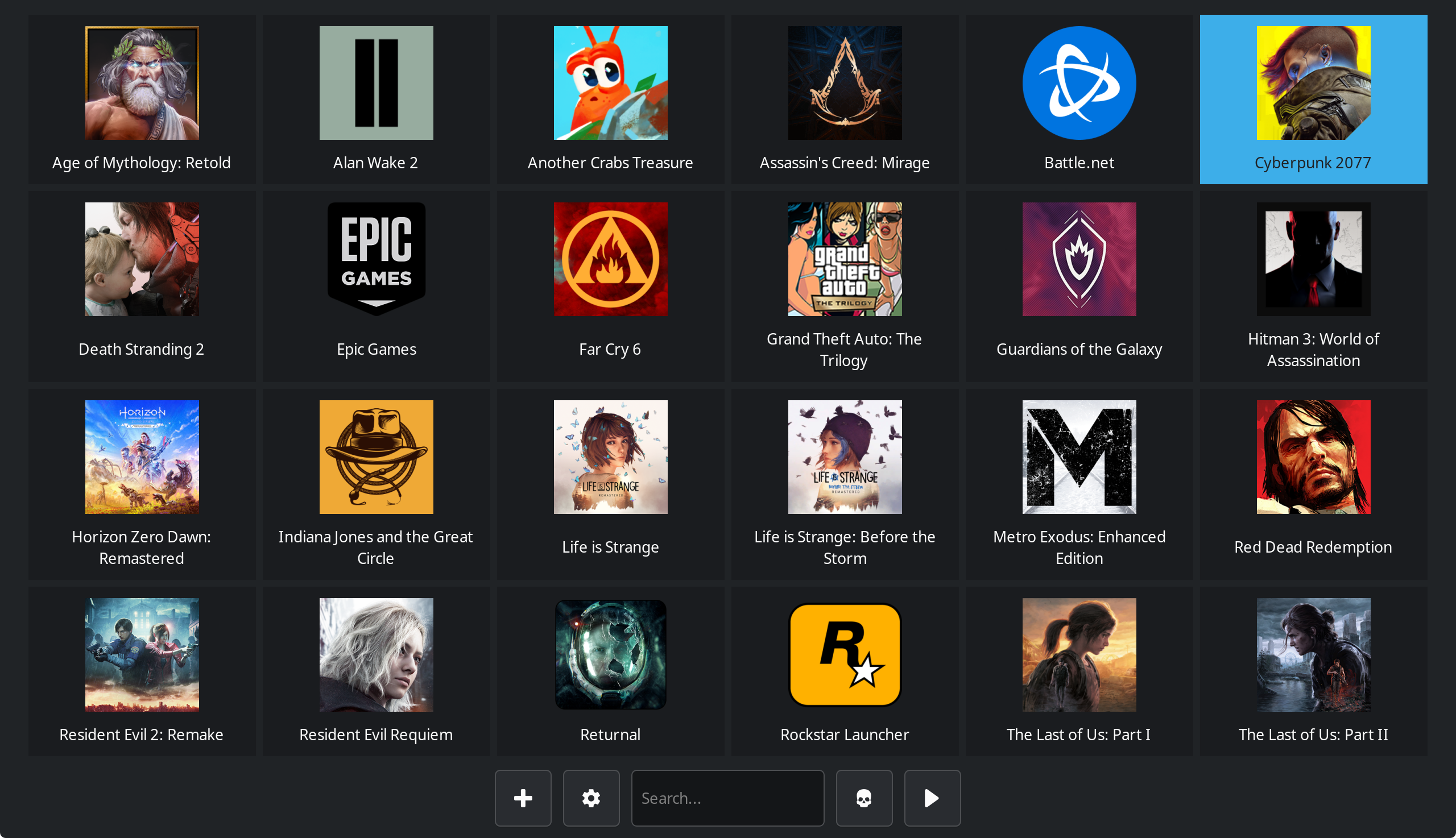
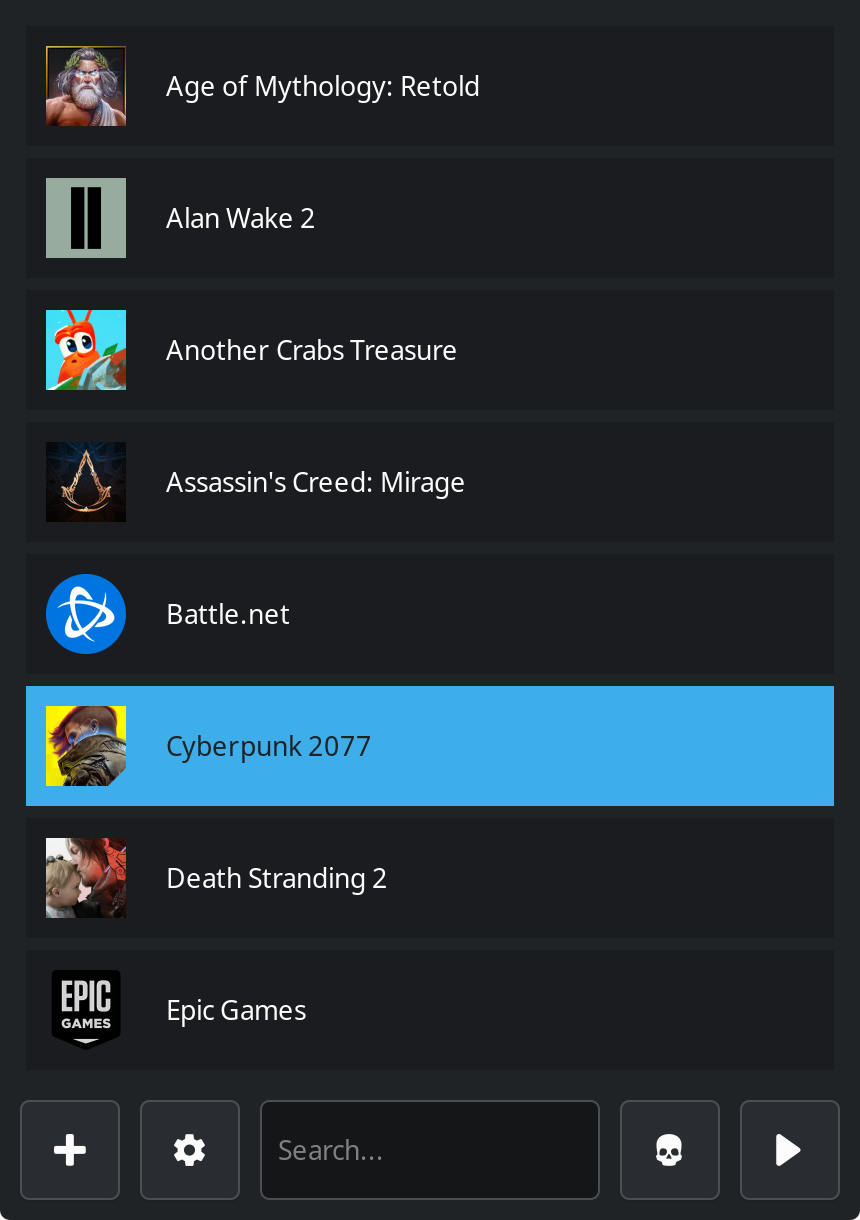
The Faugus Launcher Linux game runner solves one of the most persistent hurdles for open-source gamers: the complex setup required to launch non-native titles. By leveraging the power of the UMU-Launcher backend, this lightweight utility provides a clean, unified interface to run both Windows and Linux native games seamlessly on your desktop environment.
Key Features of the Faugus Launcher Linux Game Runner
Unlike bloated storefront clients, this tool focuses entirely on execution and optimization. Here is what makes it a standout choice for Linux gamers:
- Direct EXE Execution: Launch Windows executables directly using Proton without needing to pre-install them inside complex container environments.
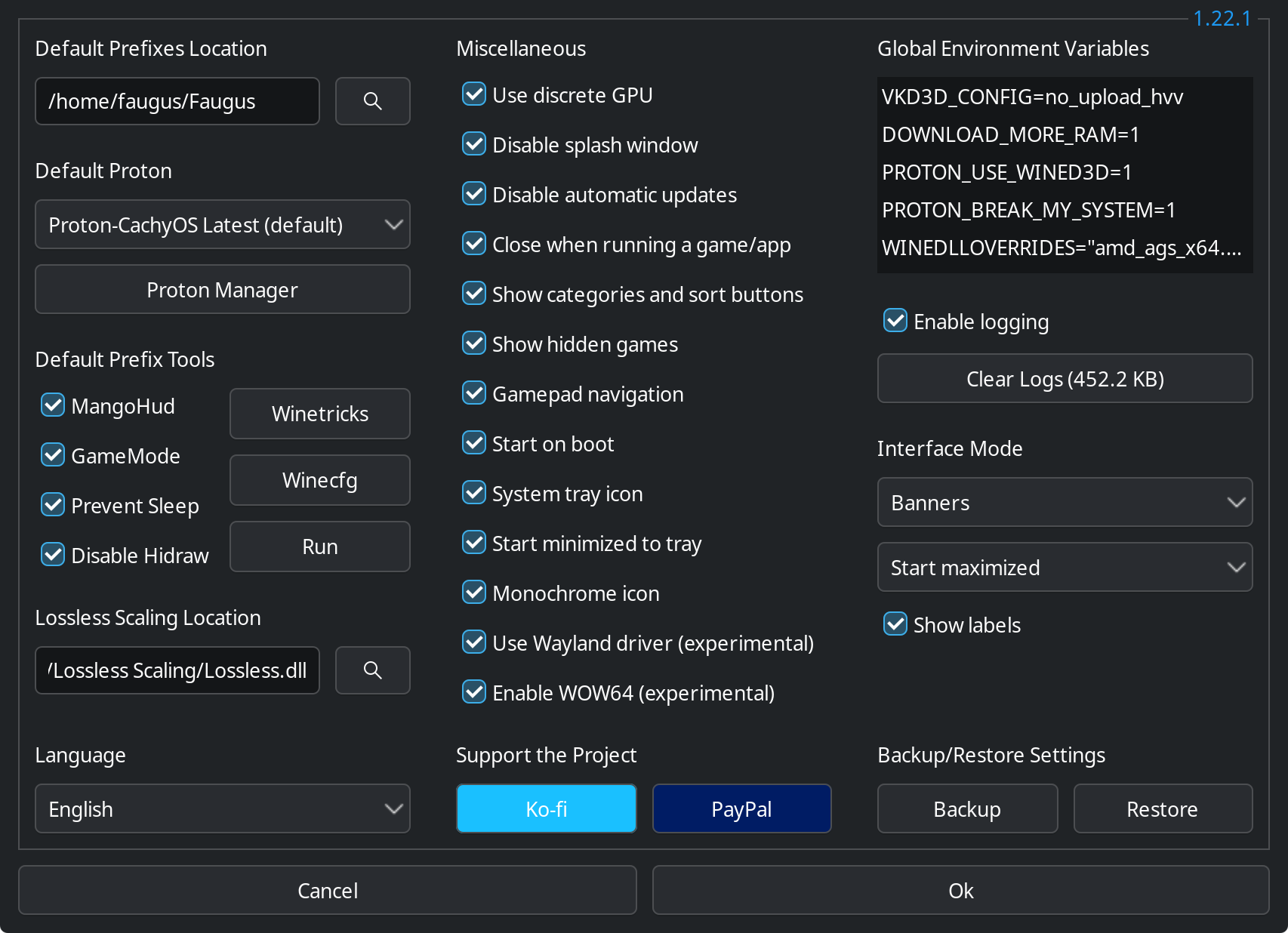
- Robust Prefix Management: Easily isolate, configure, and manage individual Wine prefixes for different games to avoid dependency conflicts.
- Seamless Steam Integration: Create and manage shortcuts, including direct integration with your Steam library, for quick launching.
Integrated Performance and Configuration Tools
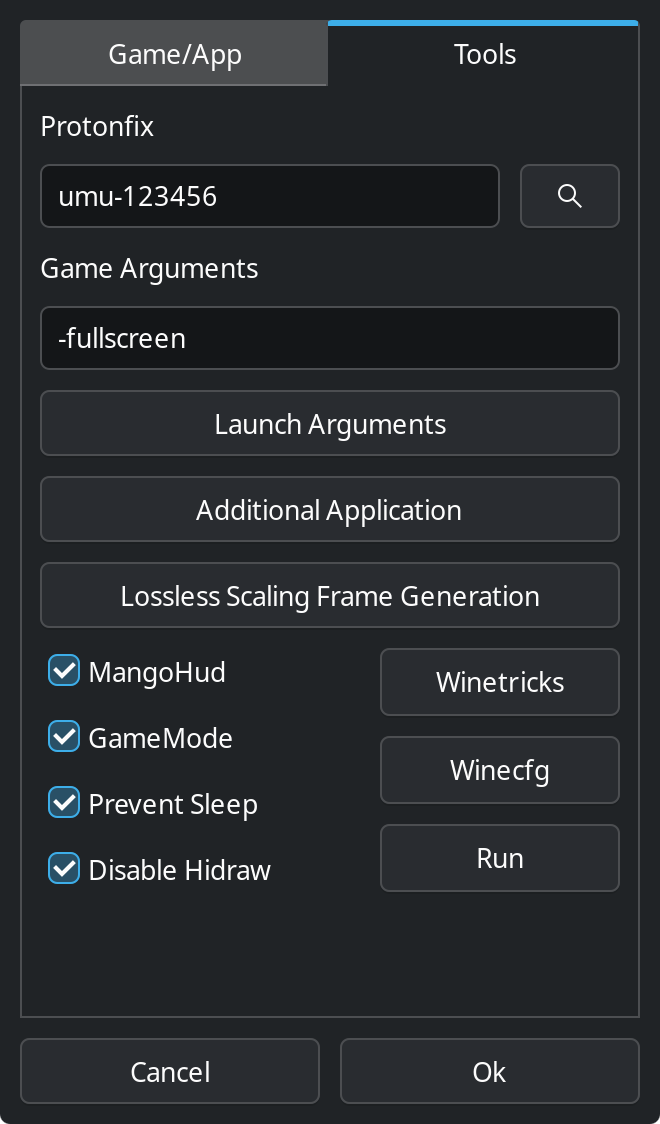
What elevates the Faugus Launcher Linux game runner beyond a simple file execution shortcut is its suite of built-in diagnostics and optimization utilities. Instead of manually editing configuration files, users can toggle advanced tools directly from the interface:
- Winetricks & Winecfg: Quickly tweak Windows versions, adjust virtual desktop settings, and install essential DLLs or fonts.
- MangoHud & Feral GameMode: Monitor your hardware performance with real-time overlays showing FPS and system temperatures, while automatically optimizing system resources during gameplay.
- Lossless Scaling Frame Generation: Experiment with experimental frame generation to boost your visual smoothness on demanding titles.
- Proton Manager: Easily download, update, or remove custom GE-Proton and Proton-EM builds.
Who Is This Game Launcher For?
If you prefer a modular, lightweight environment over heavy proprietary game store clients, this utility is designed for you. It appeals directly to Linux enthusiasts who want granular control over their Wine prefixes, custom DLL overrides, and performance overlays without sacrificing simplicity.
While Flatpak users should note a few minor sandbox limitations—such as the 'stop' button not force-closing games and experimental Gamescope compatibility—the launcher remains highly stable for day-to-day gaming. To explore its full feature set and integrate it into your desktop setup, visit the official Flathub store page to get started.