

Polarr Pro Photo Editor
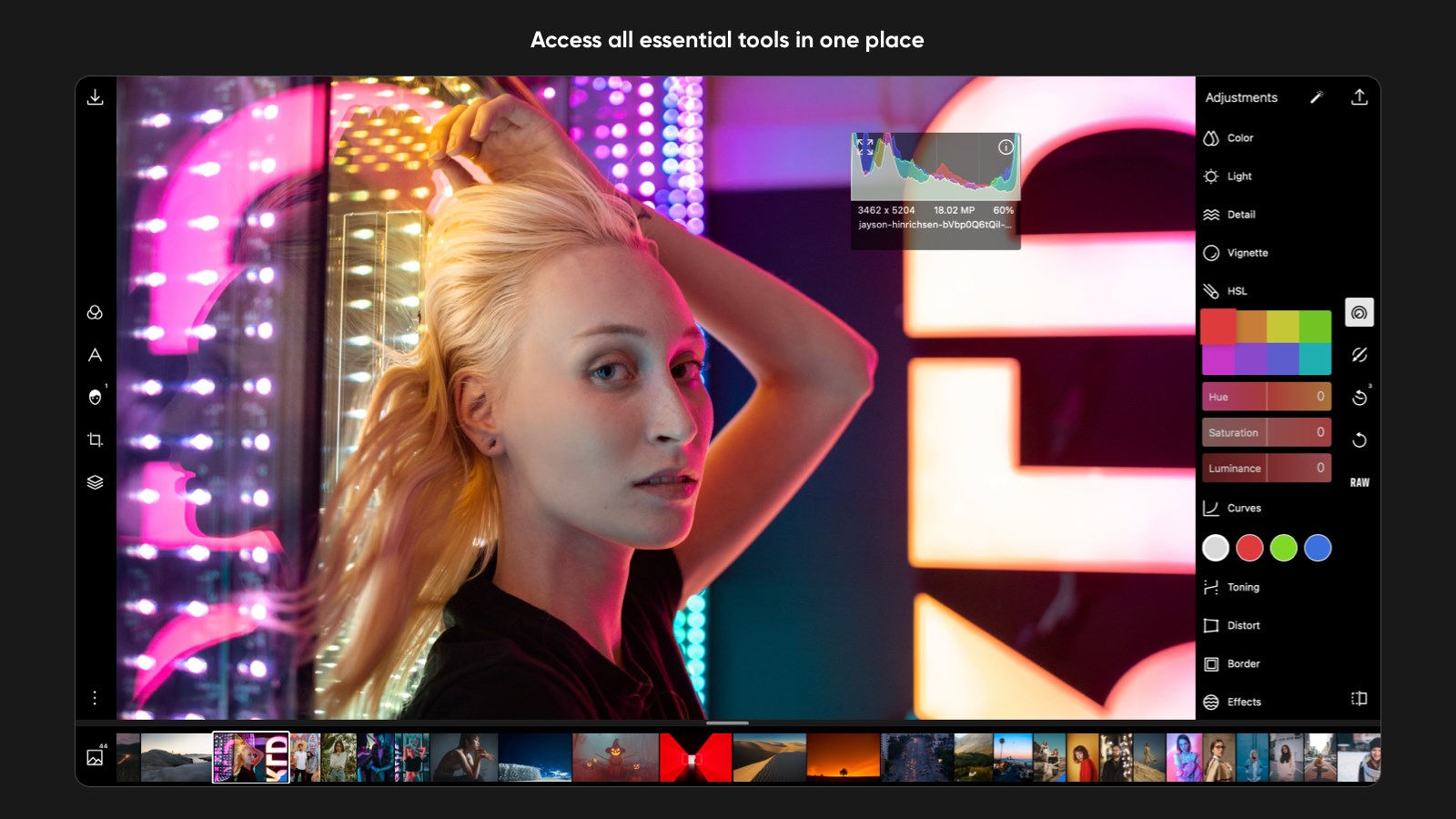

Read our comprehensive review of Polarr Pro Photo Editor for Windows. Discover how its AI-driven masking, advanced filters, and professional tools elevate your photography.
An In-Depth Look at the Polarr Pro Photo Editor
For modern creators seeking a balance between lightweight usability and heavy-duty editing capabilities, the Polarr Pro Photo Editor emerges as a highly capable contender on the Windows platform. Developed by PolarrCan Software, Inc., this application bridges the gap between novice-friendly quick fixes and professional-grade post-processing. Whether you are adjusting your first landscape shot or fine-tuning a commercial portrait, the software provides a streamlined workspace tailored to modern workflows.
Intelligent AI Adjustments and Precision Masking
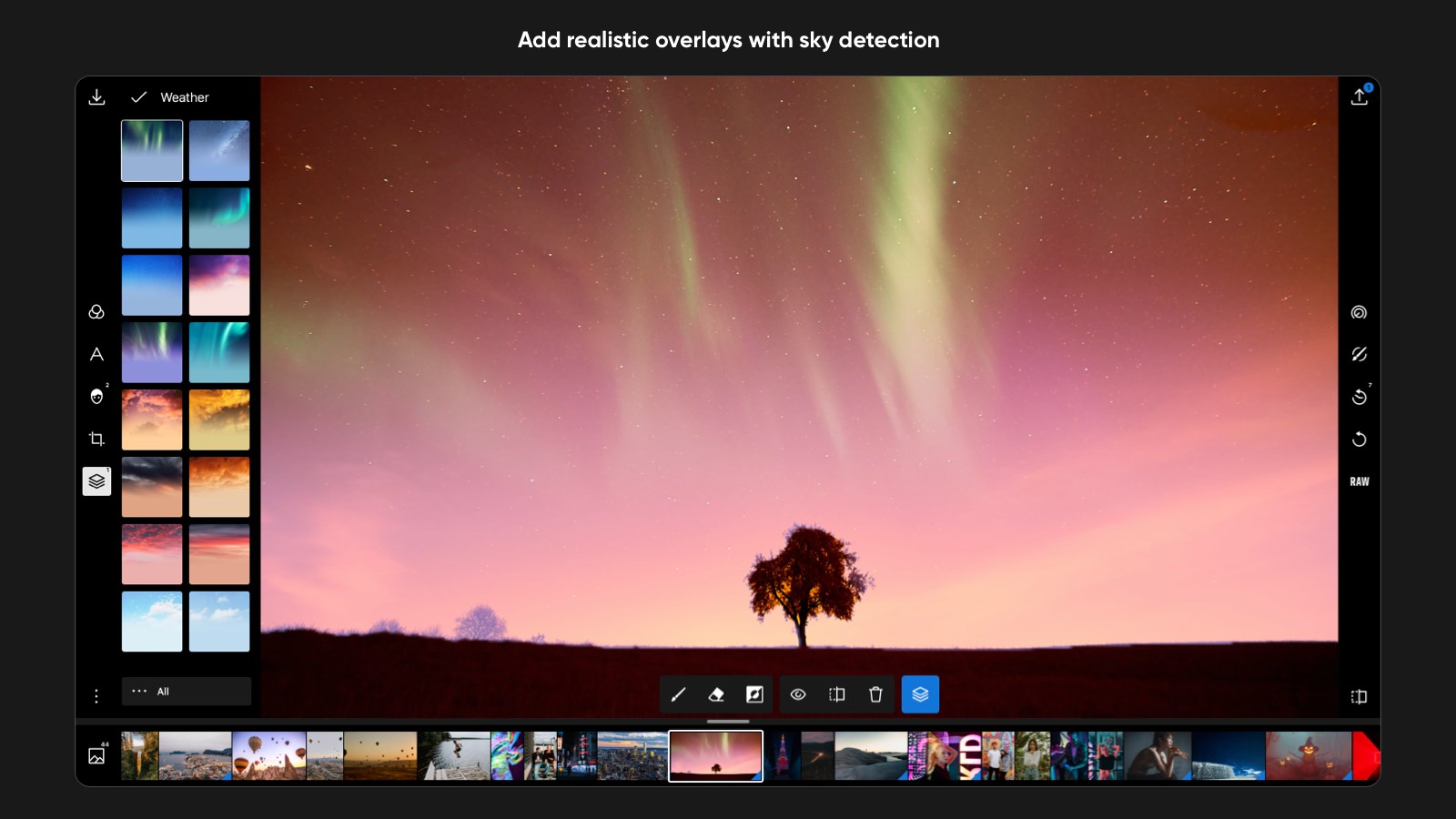
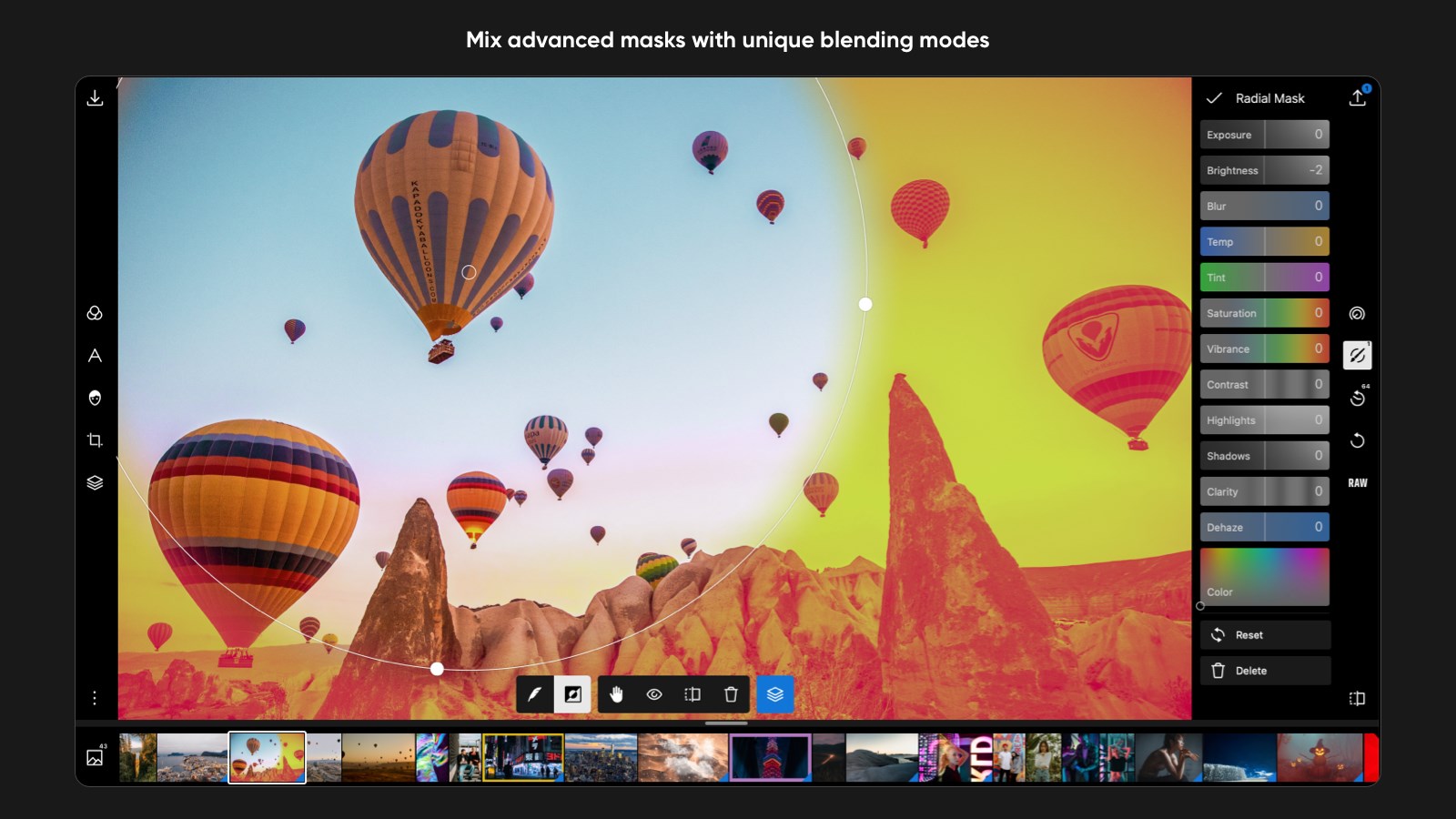
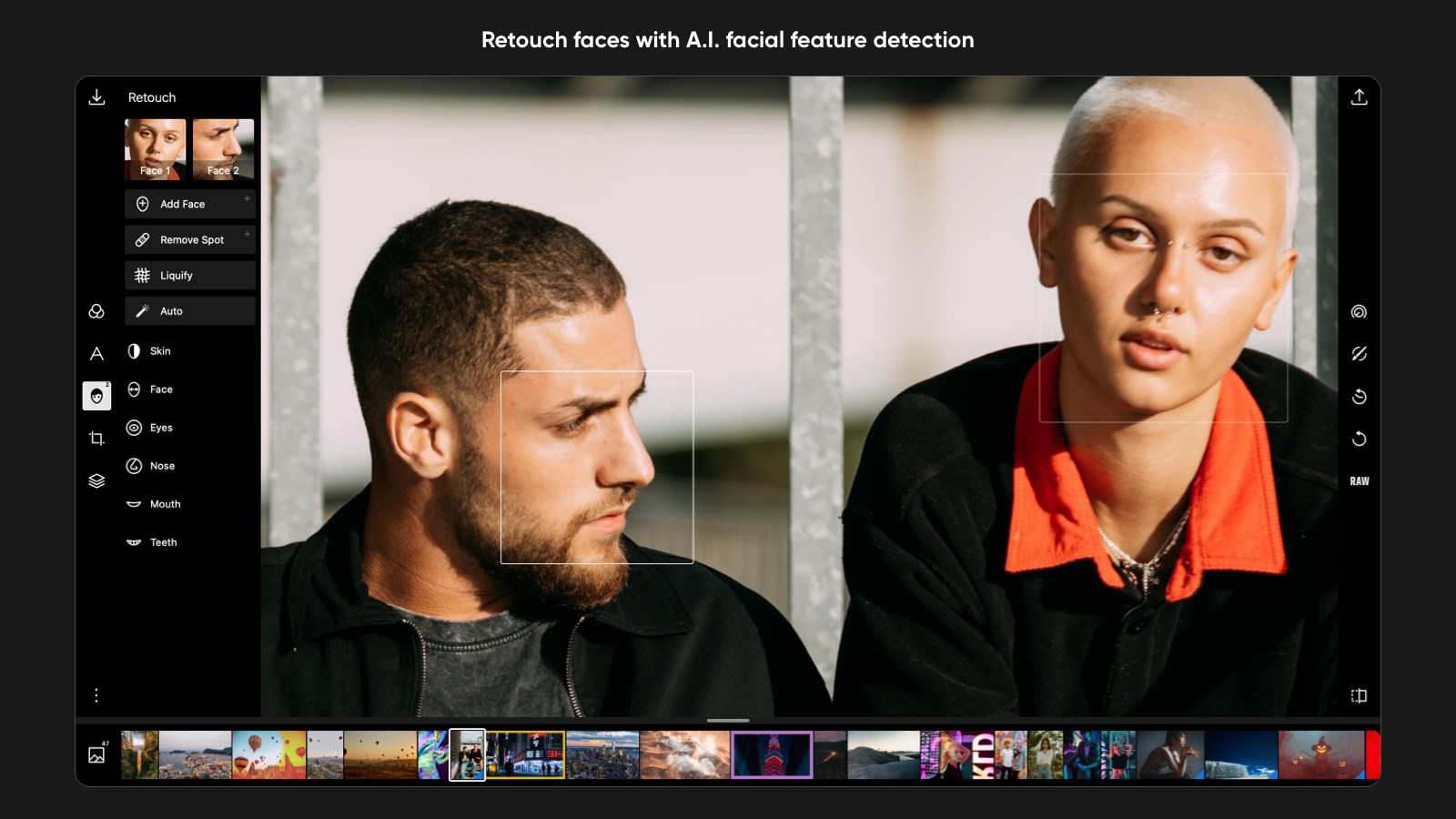
What sets the Polarr Pro Photo Editor apart from standard editing suites is its integration of intelligent detection tools. Instead of spending hours manually drawing complex paths, editors can leverage built-in AI to instantly isolate subjects, skies, and faces. This allows for highly targeted, localized adjustments in seconds.
- Selective Editing Masks: Refine specific regions using brush, radial, gradient, or color-specific masks.
- Facial Enhancement: Detect facial features automatically to smooth skin, brighten eyes, or adjust lighting.
- Creative Overlays: Access more than 100 built-in effect overlays, alongside custom text and shape integrations, to add artistic texture to your images.
Comprehensive Global Tuning and Presets
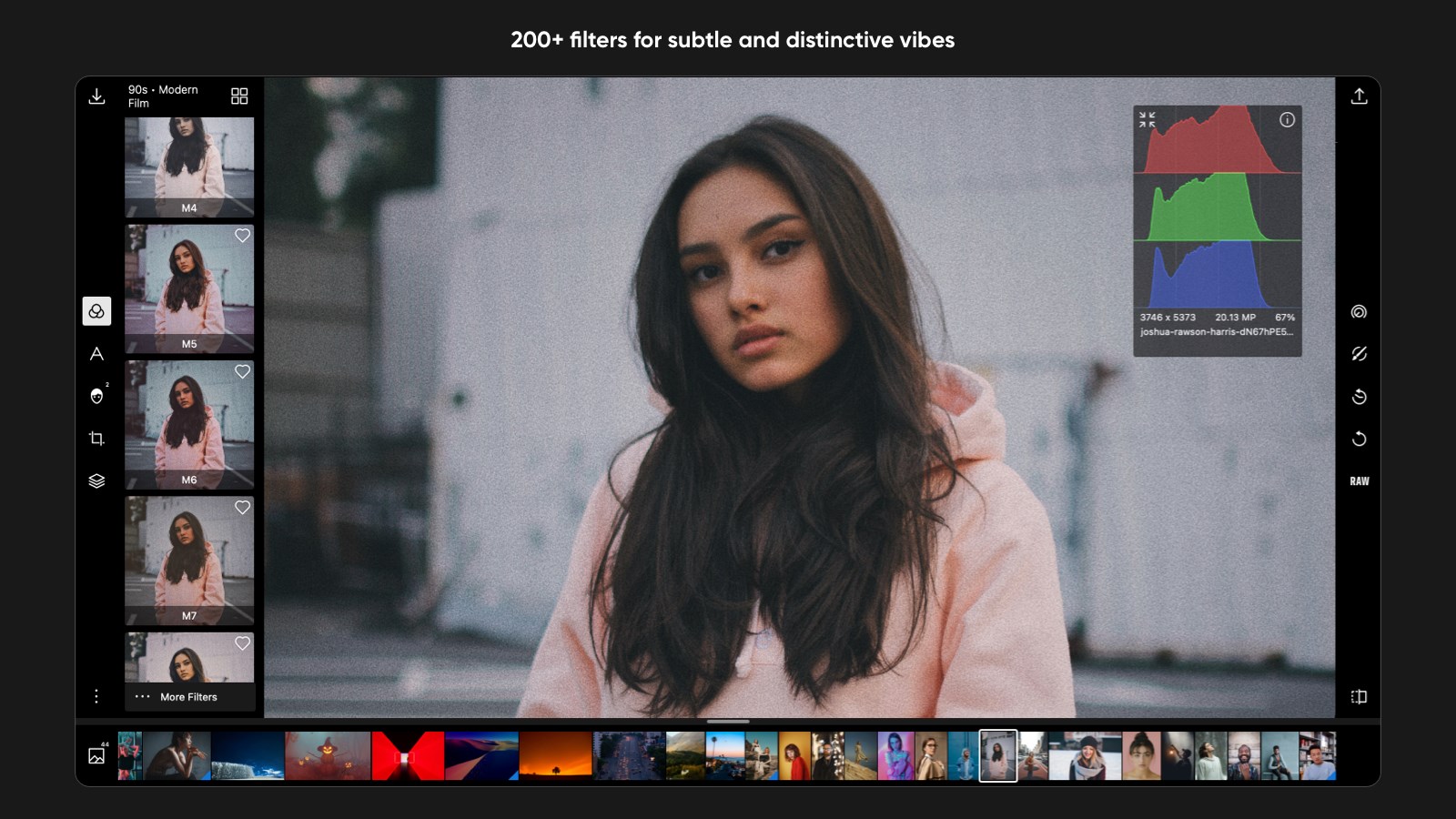
Beyond its selective tools, the software excels at global enhancements. Users have access to over 100 free adjustment tools to control exposure, temperature, and detail. Additionally, more than 200 pre-configured filters are available right out of the box, making it easy to establish a consistent aesthetic across your portfolio. For those who develop a signature style, the platform allows you to create, save, and share custom presets effortlessly.
Optimized for Professional Workflows
Efficiency is central to the design of the Polarr Pro Photo Editor. The application supports batch exporting, allowing you to apply edits and watermarks to multiple files simultaneously. Furthermore, the built-in EXIF metadata viewer and editor ensure that your camera information is preserved or modified according to your specifications. While basic tools are accessible for free, advanced features like deep masking and batch processing are unlocked via a premium subscription model managed through your Microsoft account.
Is It Right for You?
If you need a fast, non-destructive editing suite that doesn't bog your PC down with legacy bloatware, this design application is an excellent fit. It offers the exact tools required to elevate raw images into polished, professional assets without a steep learning curve.
To experience these advanced tools firsthand and see how they can transform your creative workflow, head over to the official Microsoft Store page to explore the Polarr Pro Photo Editor today.