

App Installer for Mobile
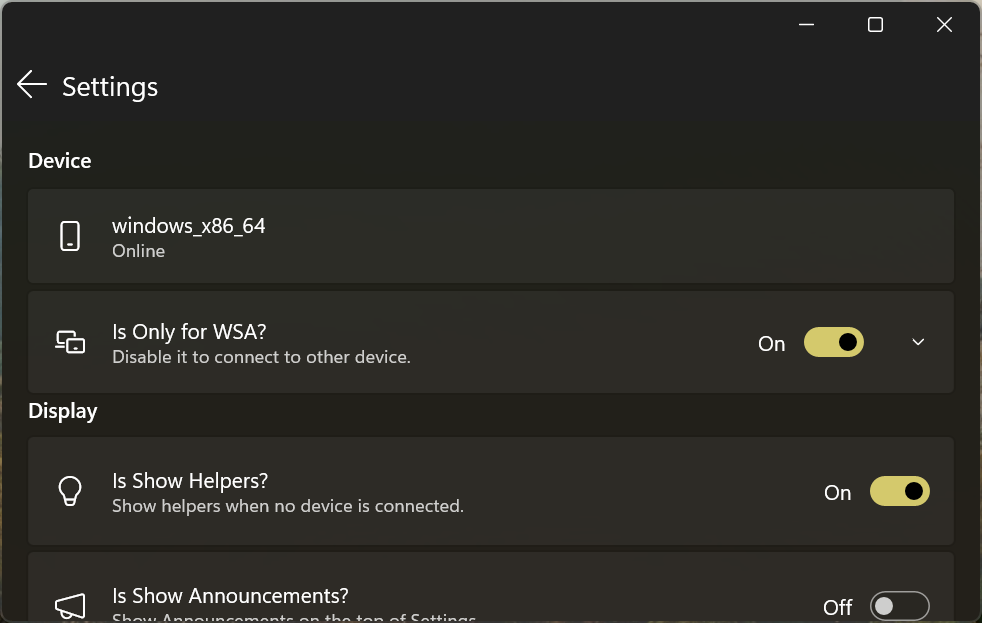
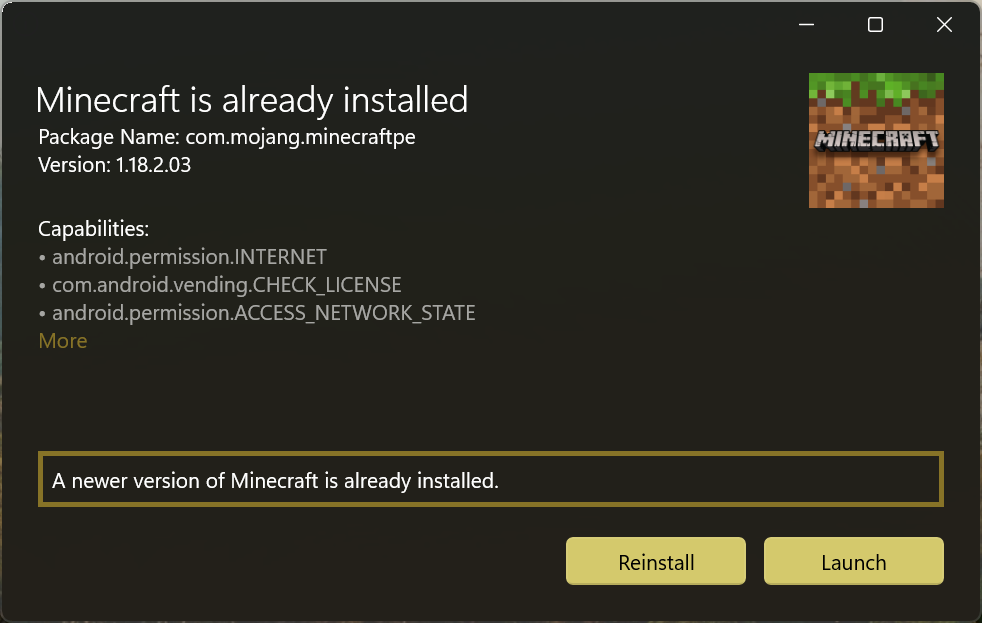
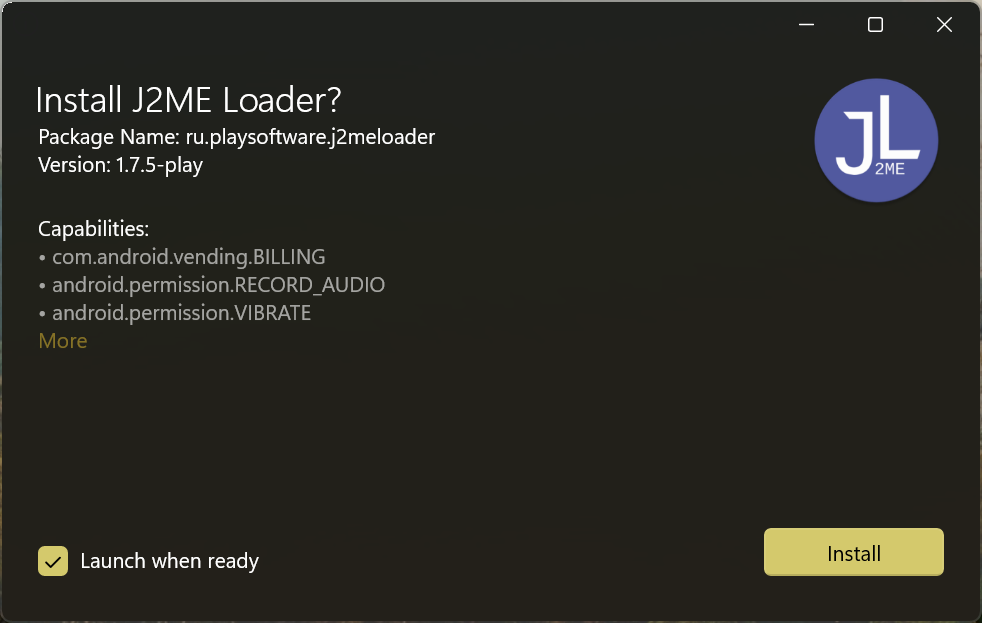
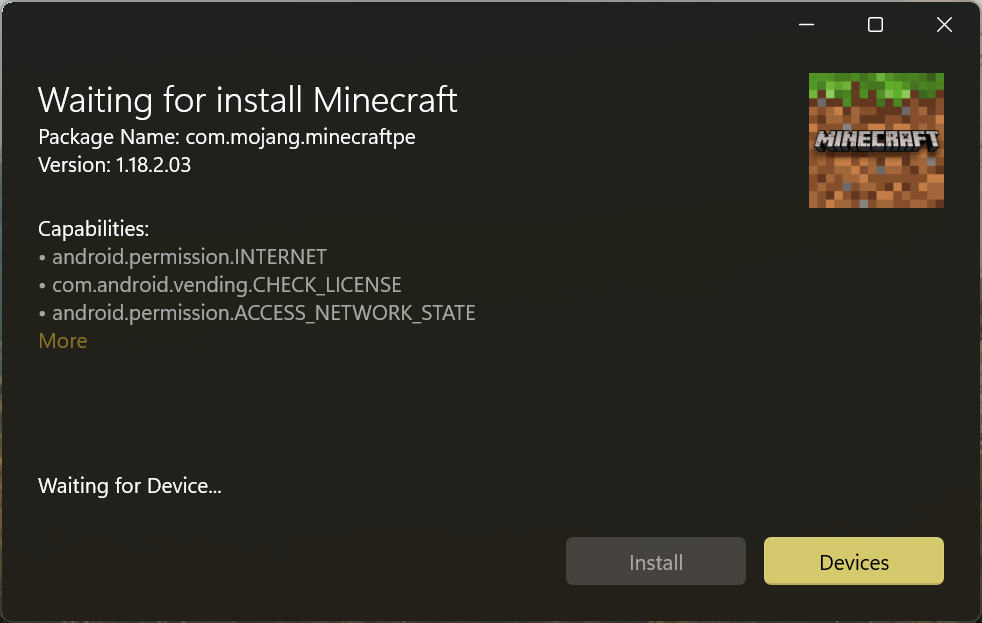
Read our comprehensive review of App Installer for Mobile on Windows 10 & 11. Learn how to sideload Android apps easily without complex ADB commands.
Sideloading Android Apps on Windows Made Effortless
The App Installer for Mobile tool completely redefines how users interact with Android applications on Windows 10 and Windows 11. Traditionally, deploying packages to environments like Windows Subsystem for Android (WSA) or Anbox required navigating command-line interfaces and executing manual Android Debug Bridge (ADB) commands. This utility removes those technical barriers, offering a seamless, double-click installation process that feels entirely native to the desktop experience.
Key Features of the App Installer for Mobile Tool
Developed by wherewhere, this utility is designed for efficiency and simplicity. Here is what makes the software stand out:
- Single-Click Deployment: Skip the command prompt. Double-clicking an application package triggers the installation process instantly.
- Comprehensive Package Insights: Before committing to an installation, the app displays critical metadata including the app name, package name, version, and the official logo.
- Permission Transparency: The tool clearly lists all capabilities and permissions requested by the incoming application, ensuring you maintain control over your system security.
- Zero-Configuration Setup: Ready to use out of the box, requiring no complex configurations or background developer knowledge.
Who Is This Tool For?
Whether you are a developer testing builds on Windows Subsystem for Android or an enthusiast wanting to run mobile services on your PC, this utility bridges the gap. It is perfect for anyone seeking a clean, visual interface to manage mobile packages without typing a single line of code.
Our Verdict
By eliminating the friction of manual command-line deployment, the App Installer for Mobile utility serves as an essential companion for Windows users exploring the mobile ecosystem. It is lightweight, informative, and highly practical.
To experience this streamlined installation workflow yourself, check out the application on the official Microsoft Store today.