

Gabut Download Manager
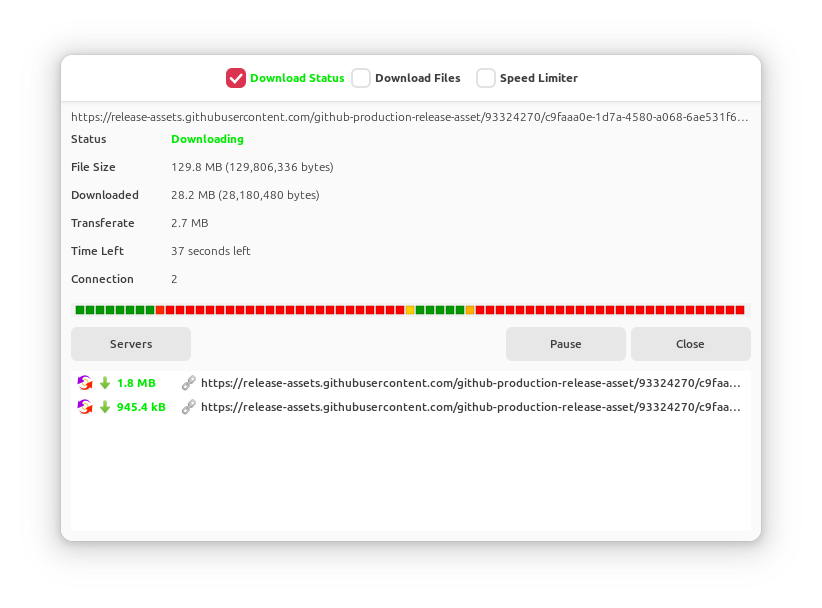
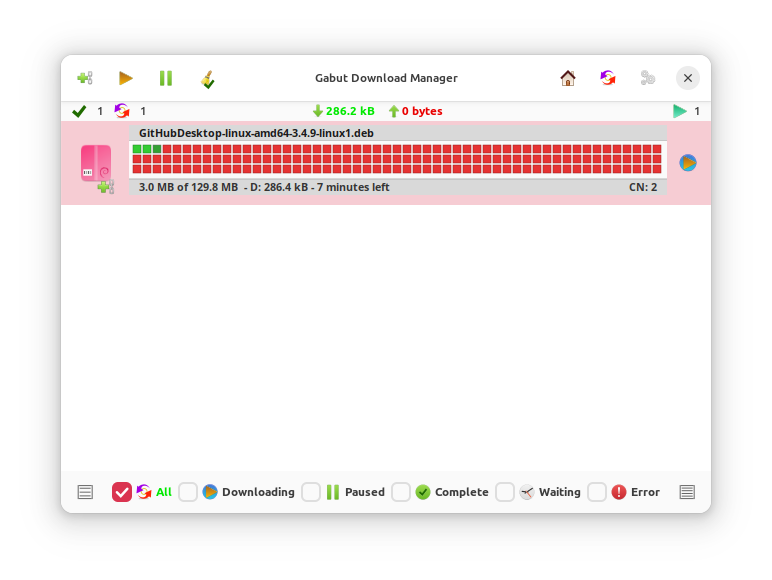
Discover Gabut Download Manager, a versatile open-source utility for Linux. Read our full review of its multi-protocol download and torrent capabilities.
A Seamless Media Grabber for Linux Power Users
Gabut Download Manager is a comprehensive utility designed to streamline download activities on Linux systems. For users who find standard browser downloaders lacking in speed, organization, and versatility, this lightweight tool offers a centralized hub for managing various file types and transfer protocols. Rather than switching between dedicated torrent clients, command-line downloaders, and browser extensions, this application unifies your queues under a single, cohesive interface.
Key Features of the Gabut Download Manager
What makes this utility stand out is its broad protocol support. It handles complex, modern web formats just as easily as standard direct HTTP links.
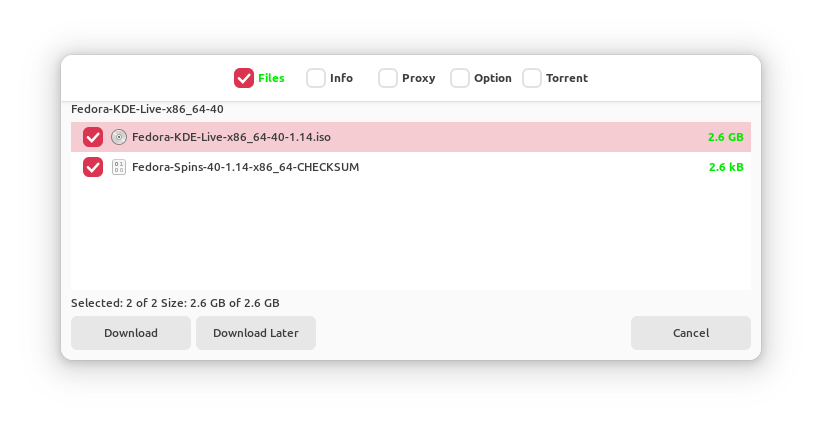
- Multi-Protocol Support: Seamlessly handle standard direct links, Magnet links, and traditional torrent files within a single interface.
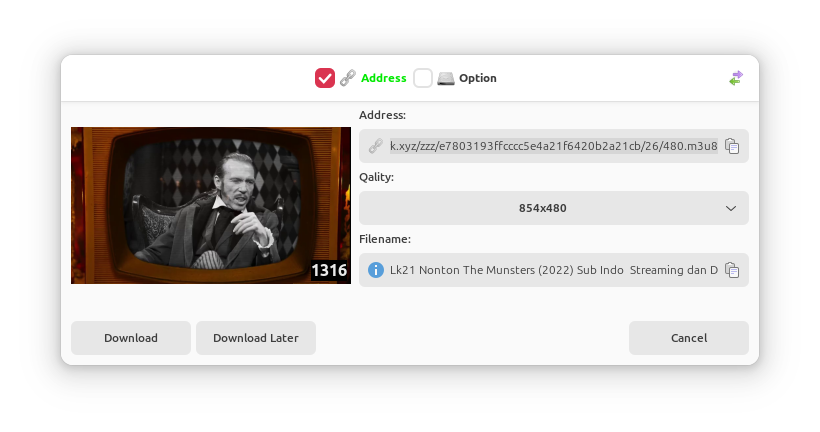
- Advanced Media Streaming Grabbing: Built-in support for HLS and M3U8 streaming formats, making it easier to save video segments from modern streaming platforms.
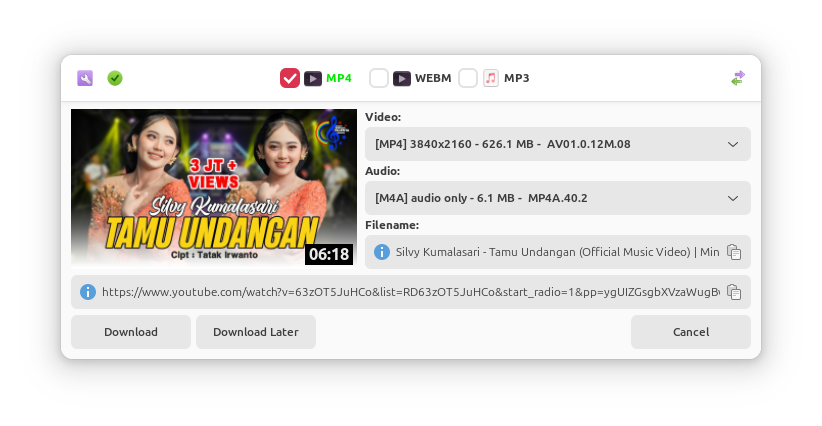
- YouTube Integration: Directly download video assets using integrated extraction capabilities.
- System Integration & Extensions: Offers browser integration via official Firefox and Chrome extensions, alongside native Linux desktop features like TrayIcon support and DBus Menu compatibility.
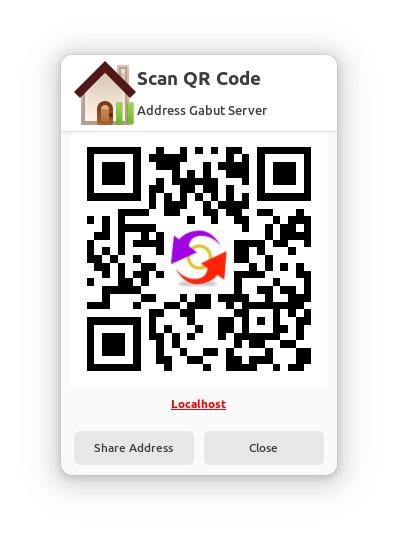
- Remote Management & Sharing: Features built-in file sharing, local file transfers, and remote management controls to monitor your downloads from other devices.
Who is This Download Utility For?
If you are a Linux enthusiast who regularly handles large files, media streams, or torrent distributions, managing everything through a browser can feel restrictive. This application is tailored for users who require deeper control over their bandwidth, clipboard monitoring, and background queues without resource-heavy overhead. Its inclusion of a clipboard manager ensures that copied links are instantly recognized, saving you repetitive copy-paste steps during busy sessions.
Get Started with the Official Release
If you are ready to optimize your desktop workflows, we highly recommend checking out this tool. You can find more details, view user documentation, and access the official package directly on the Flathub Store page.